
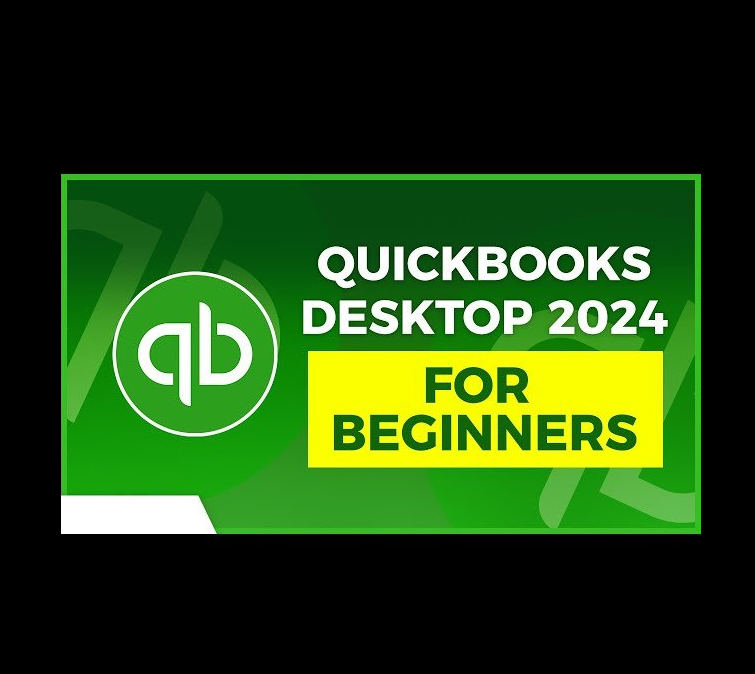
QuickBooks Video Course
Original price was: $25.00.$20.00Current price is: $20.00.
QuickBooks training bundle designed for beginners and intermediate users, covering QuickBooks Desktop and QuickBooks Online. Learn how to manage invoicing, expenses, bank reconciliations, reporting, inventory, and automation with step-by-step lessons. Includes downloadable files, a certificate of completion, and lifetime access.
- QuickBooks Desktop 2024-latest and QuickBooks Online in this three-course bundle.
- Read First
- Portable Software Information
- Activation & Licensing
- Warranty, Return, and Refund
- Description
Read First
- This is not a physical product
- Digital product in the form of a download link
- Delivered via email
- Instant delivery
- Free shipping worldwide
- Zero shipping cost with no minimum purchase
Portable Software Information
Activation & Licensing
Activation (Global Access)
Activation works worldwide.
Billing & Licensing
This is a one-time payment and includes unrestricted access.
Installation Note
For the smoothest installation and activation experience, we recommend temporarily disabling your antivirus or Windows Defender during the process. You can safely re-enable it once activation is completed.
In some cases, active antivirus protection may interfere with the installation or activation process, which could prevent the software from activating properly.
Warranty, Return, and Refund
Warranty & Support (7 Days)
All digital products include a 7-day warranty starting from the date the product is received.
Warranty Claims
To submit a claim, customers must provide proof of the issue, such as:
- Screenshots or photos of the error
- Evidence of malfunction or missing files
Claims without proof may not be accepted.
Support & Resolution
If the claim is approved, we will provide a solution which may include:
- Troubleshooting assistance
- Resending the file or download link
- Providing a corrected or updated file
Customers must follow the instructions provided to complete support.
Refunds & Replacements
Because digital products cannot be returned once delivered or downloaded, refunds are not guaranteed.
If approved, our first solution will always be a replacement file or product of equal value.
Refunds are only considered if no replacement or working solution can be provided.
Return
- The Complaint Has Been Accepted (Requirements Met)
- Since Digital Products Are Non-Refundable
- The First Solution We Offer Is to Resend a Different File
- We Will Offer a Product Replacement
- Replace with a Similar Product of Equal Value
- If the Replacement Product Is Cheaper, the Remaining Balance Will Be Refunded
Refund
- The Complaint Has Been Accepted (Requirements Met)
- Since Digital Products Are Non-Refundable
- The First Solution We Offer Is to Resend a Different File
- We Will Offer a Product Replacement
- Replace with a Similar Product of Equal Value
- If the Replacement Product Is Cheaper, the Remaining Balance Will Be Refunded
- If the Buyer Does Not Want a Product Replacement, the Alternative Solution Is a REFUND.
Description
What You’ll Learn
- Learn why QuickBooks is an essential tool for managing business finances.
- Become confident using QuickBooks to manage company files, users, backups, and settings.
- Customize QuickBooks to fit your specific business structure and accounting needs.
- Handle everyday accounting tasks such as estimates, invoices, payments, and customer transactions.
- Improve efficiency by streamlining bookkeeping workflows and making smarter financial decisions.
- Understand how QuickBooks Online helps record and organize transactions accurately.
- Set up QuickBooks Online, including company profiles and chart of accounts.
- Reconcile bank statements correctly and review key financial statements.
- Build hands-on experience through real-world company simulations in QuickBooks Online.
- Personalize the QuickBooks Online dashboard and interface for easier navigation.
- Create and analyze professional financial reports for better business insight.
- Connect third-party apps to automate accounting tasks and reduce manual work.
- Track income and expenses by project using the Projects feature.
- Set up recurring transactions to save time and reduce errors.
- Manage inventory and non-inventory products effectively.
- Includes downloadable course files and lifetime access.
Course Bundle Description
Whether you’re using QuickBooks Desktop or QuickBooks Online, this complete three-course bundle provides everything you need to build strong accounting skills from the ground up. It begins with beginner-friendly lessons (no prior experience required) and progresses into more advanced topics to help you confidently manage real business finances.
This self-paced training covers all core QuickBooks features, including invoicing, estimates, payments, bank reconciliations, reporting, inventory tracking, and workflow automation. You’ll learn how to customize QuickBooks to match your company needs, improve accuracy, and make smarter financial decisions with professional reporting tools.
With step-by-step instruction and hands-on practice, this bundle is ideal for business owners, bookkeepers, and professionals looking to master QuickBooks efficiently.
This bundle includes:
- 7+ hours of video training
- 70+ individual lessons
- Downloadable course files
- Certificate of completion
- Lifetime access
Who This Course is For
- Small business owners who want to manage invoicing, expenses, and bookkeeping properly
- Bookkeepers and finance professionals upgrading to QuickBooks tools
- Freelancers or entrepreneurs handling their own accounting
- Anyone using QuickBooks Desktop or Online who wants a clear, practical learning path
If you run a small business, manage accounts, or want to sharpen your QuickBooks skills, this updated and easy-to-follow bundle is a practical choice.
Related products
-
Adobe Acrobat Pro, X86, Win 7,XP,Vista
$25.00 Add to cart -
Windows 11 Pro
$10.00 Add to cart -
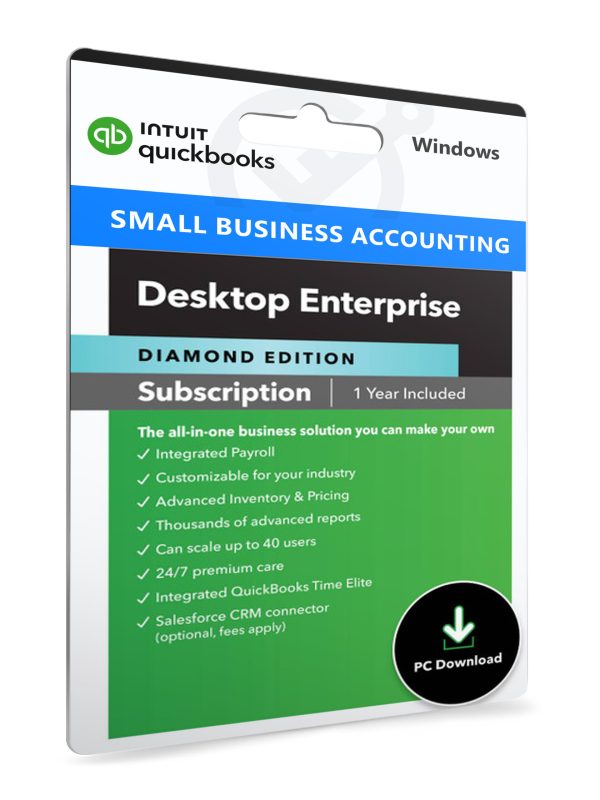
QuickBooks Enterprise
$55.00 Add to cart -

PVsyst
Price range: $60.00 through $70.00 Select options This product has multiple variants. The options may be chosen on the product page